
Settings
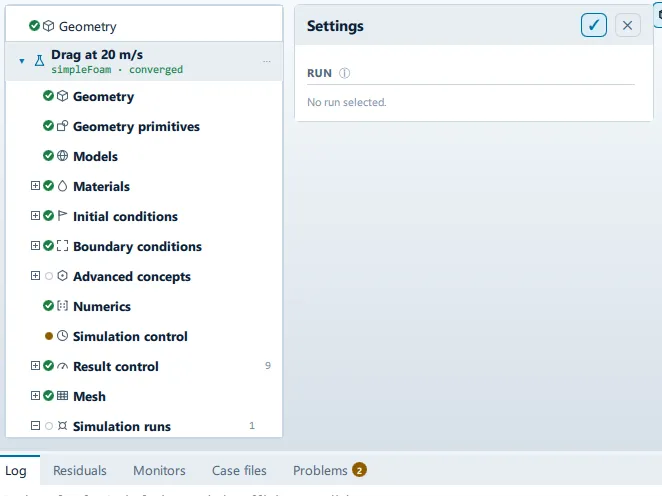
Where it is
Section titled “Where it is”Setup tree: Settings
Controls
Section titled “Controls”This panel presents data rather than settings. What it shows is listed below.
Lists this panel shows
Section titled “Lists this panel shows”Read straight from the data behind the panel, not from a hand-written list.
Columns
Section titled “Columns”From a fixed list in the application.
| Column | Unit |
|---|---|
| End iteration | — |
| End time | s |
| Time step | s |
| Keep last N writes | — |
| Cores | — |
| Max Courant | — |
| Write every | — |
| Stop after | min |
| Write when | — |
Problems reported against this step
Section titled “Problems reported against this step”The application reports no problems against this step.
… marks a value the application computes at run time, so the source carries no fixed text for it.